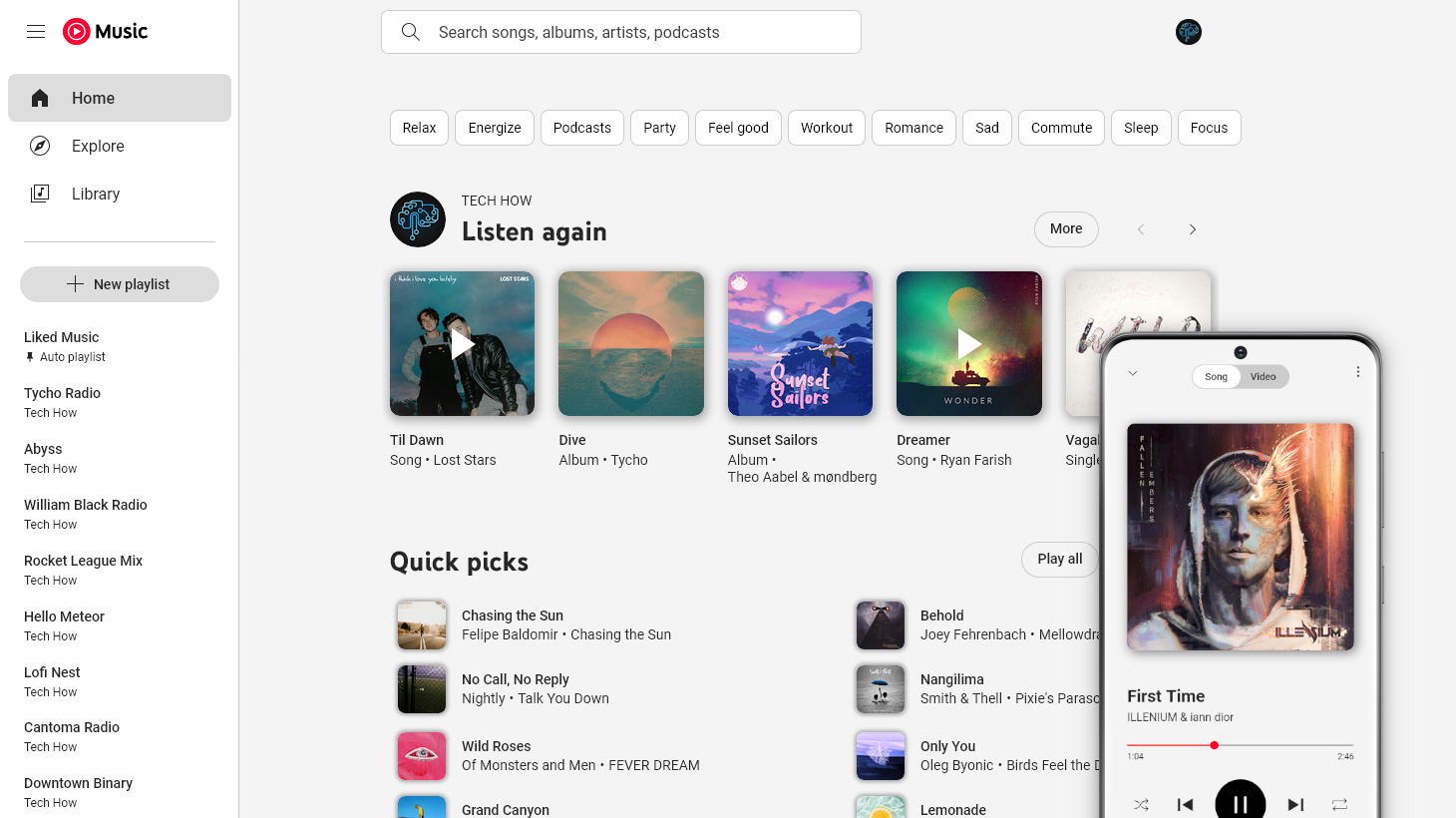
A Safari Web Extension port of the beautiful Light Theme for YouTube Music originally created by Tristian Dedinas.
This extension injects custom CSS into music.youtube.com to completely transform the default dark aesthetic into a clean, modern light theme.
Features
- Complete light mode UI for the main content area, left sidebar navigation, top search bar, and bottom player bar.
- Uses Safari Manifest V3 architecture.
- Seamless, lightweight CSS injection.
Installation (Sideloading)
Since this extension is not currently published on the Mac App Store, you can run it locally as an unsigned extension.
Method 1: Loading as a Temporary Extension (Easiest)
- Open Safari.
- Go to Safari > Settings > Advanced and check the box at the bottom for "Show features for web developers".
- In the menu bar at the top of your screen, click Develop > Allow Unsigned Extensions.
- Then, click Develop > Web Extension Background Pages > Add Temporary Extension...
- Select the
Extensionfolder within this repository. - The extension will be active immediately. Go to
music.youtube.comand refresh!
Method 2: Building via Xcode
- Ensure you have Xcode installed.
- Open the
.xcodeprojfile located inside theXcodeProjectdirectory. - Click the Play (Build and Run) button in Xcode.
- Once the companion app launches, click "Quit and Open Safari Settings".
- In Safari, go to the Develop menu and check "Allow Unsigned Extensions". (Note: This setting resets every time Safari is fully quit).
- Go to Safari > Settings > Extensions and enable "Light Theme for YouTube Music".
Credits
All credit for the core stylesheet design goes to Tech-How (Tristian Dedinas). This repository serves as the Safari Manifest V3 wrapper around their excellent work, with added fixes specifically tailored for Safari's layout.